Instant access to your project folders
Quick Shell puts your saved folders one keystroke away in PowerToys Command Palette, PowerToys Run, or Raycast. Open any project in your terminal of choice, with custom commands running automatically.
winget install tonythethompson.QuickShell
winget install tonythethompson.QuickShellforCmdPal
Bundled (Command Palette + PowerToys Run), or CmdPal only (Store-equivalent). More install options
Features
Lightning-fast access
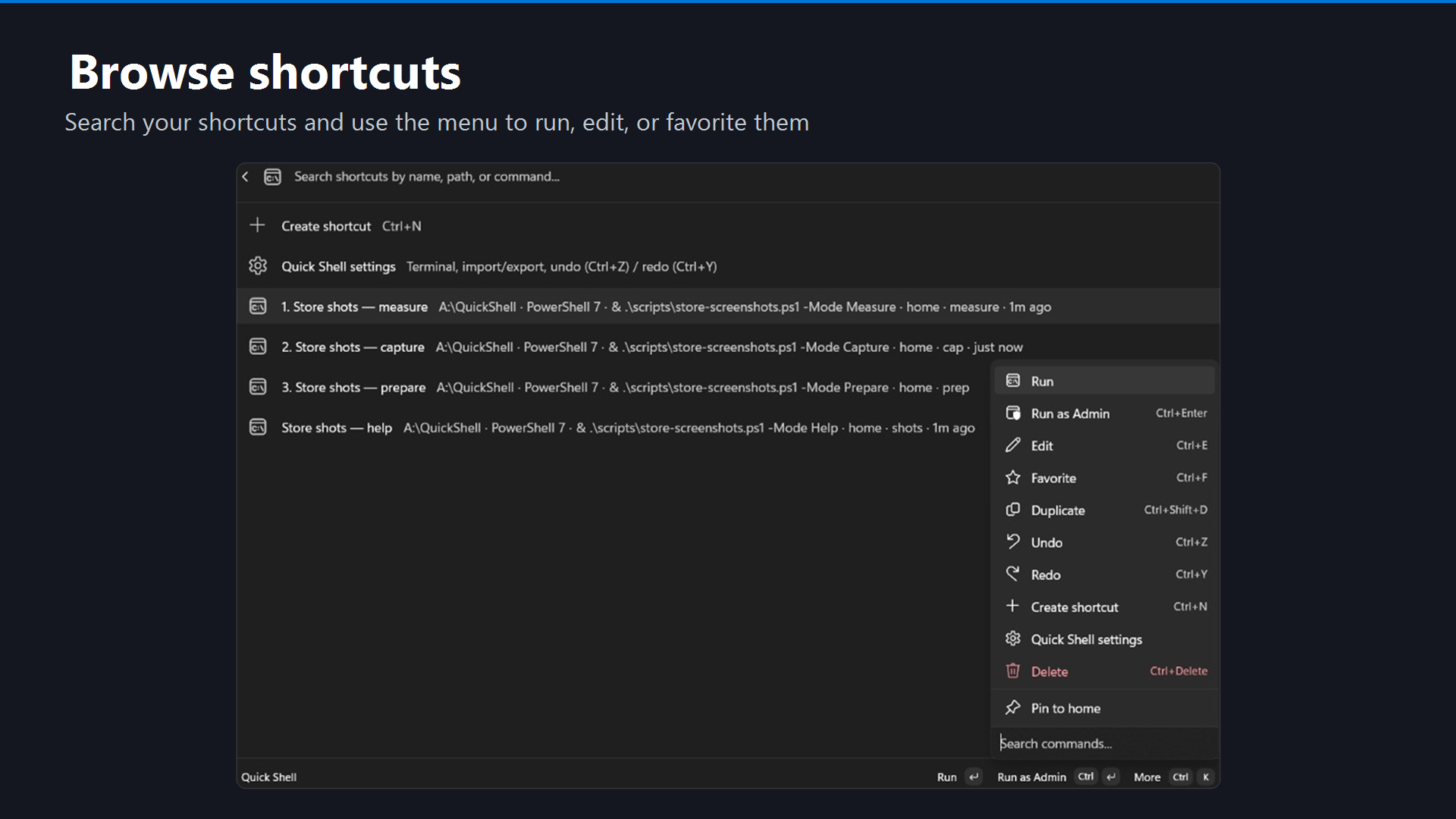
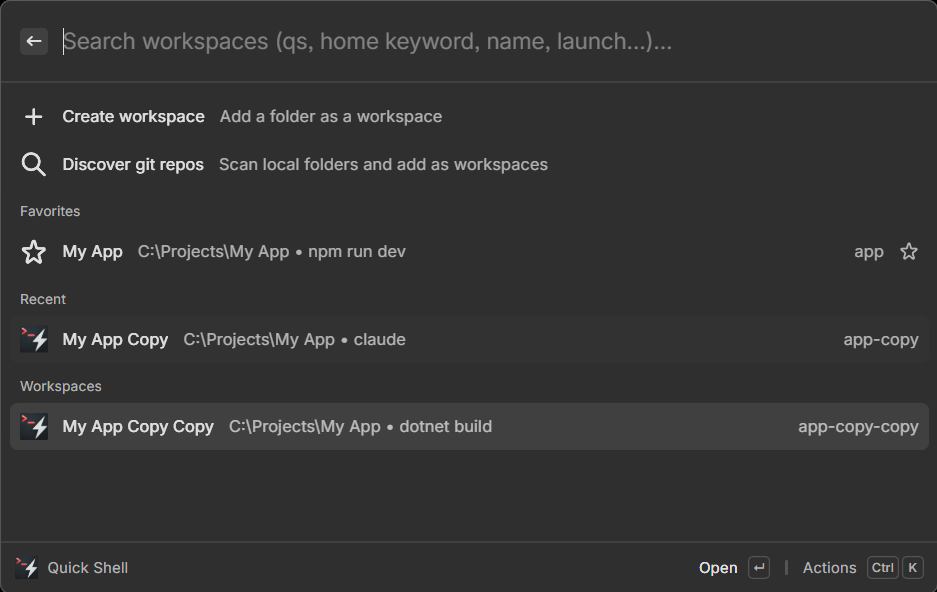
Search your saved folders from Command Palette (Win + Alt + Space) and open them instantly in any terminal.
Install now →Your preferred terminals
Works with Windows Terminal, PowerShell, WSL, Git Bash, and any terminal profile on your PC.
How it works →Auto-run commands
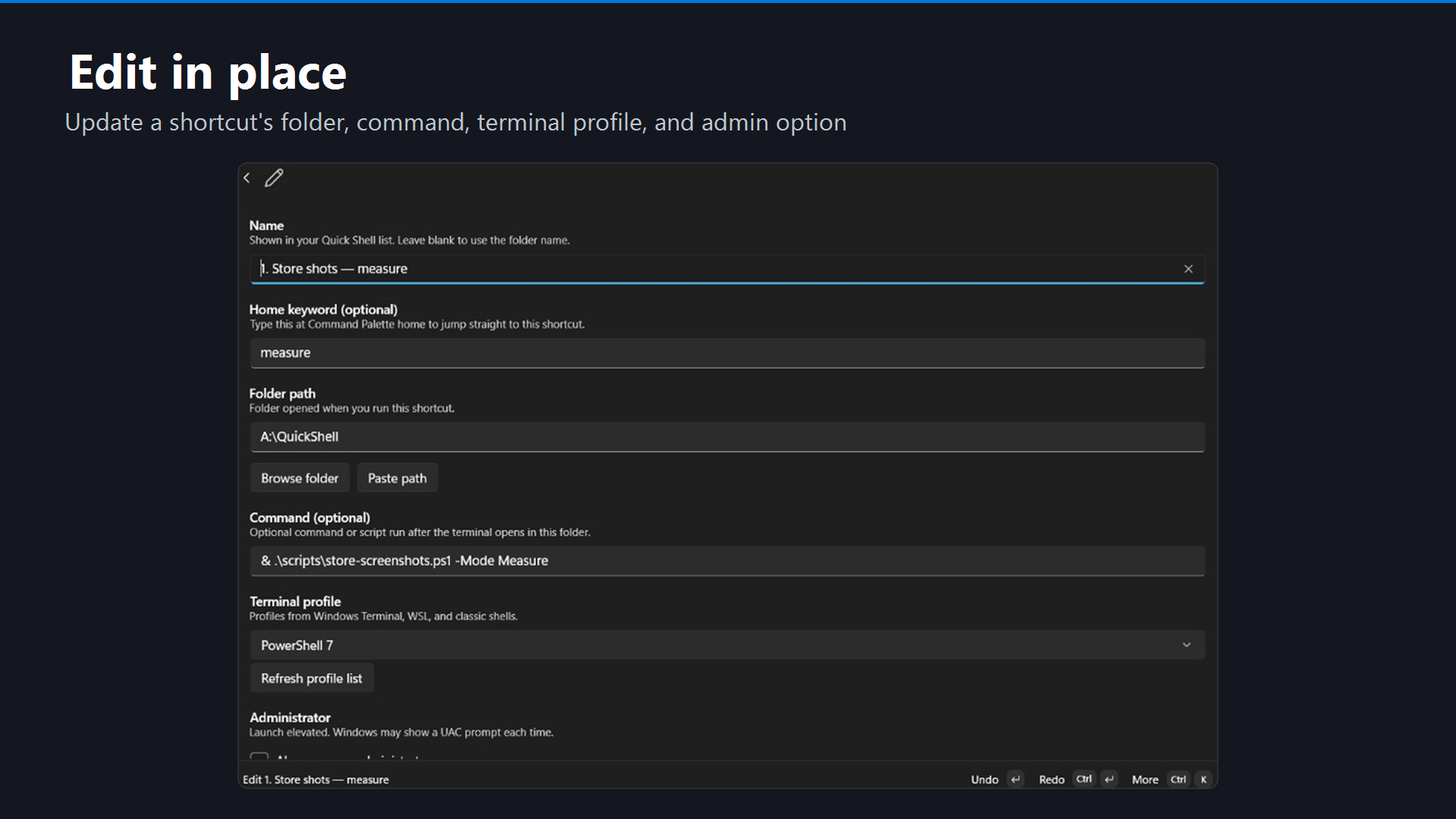
Run dev servers, build scripts, or multiple terminals from one workspace.
Set it up →Discover git repos
Scan local folders and add repositories as workspaces without typing paths.
Learn more →Home screen shortcuts
Create home keywords to jump directly to your most-used projects without searching.
Learn more →Backup and transfer
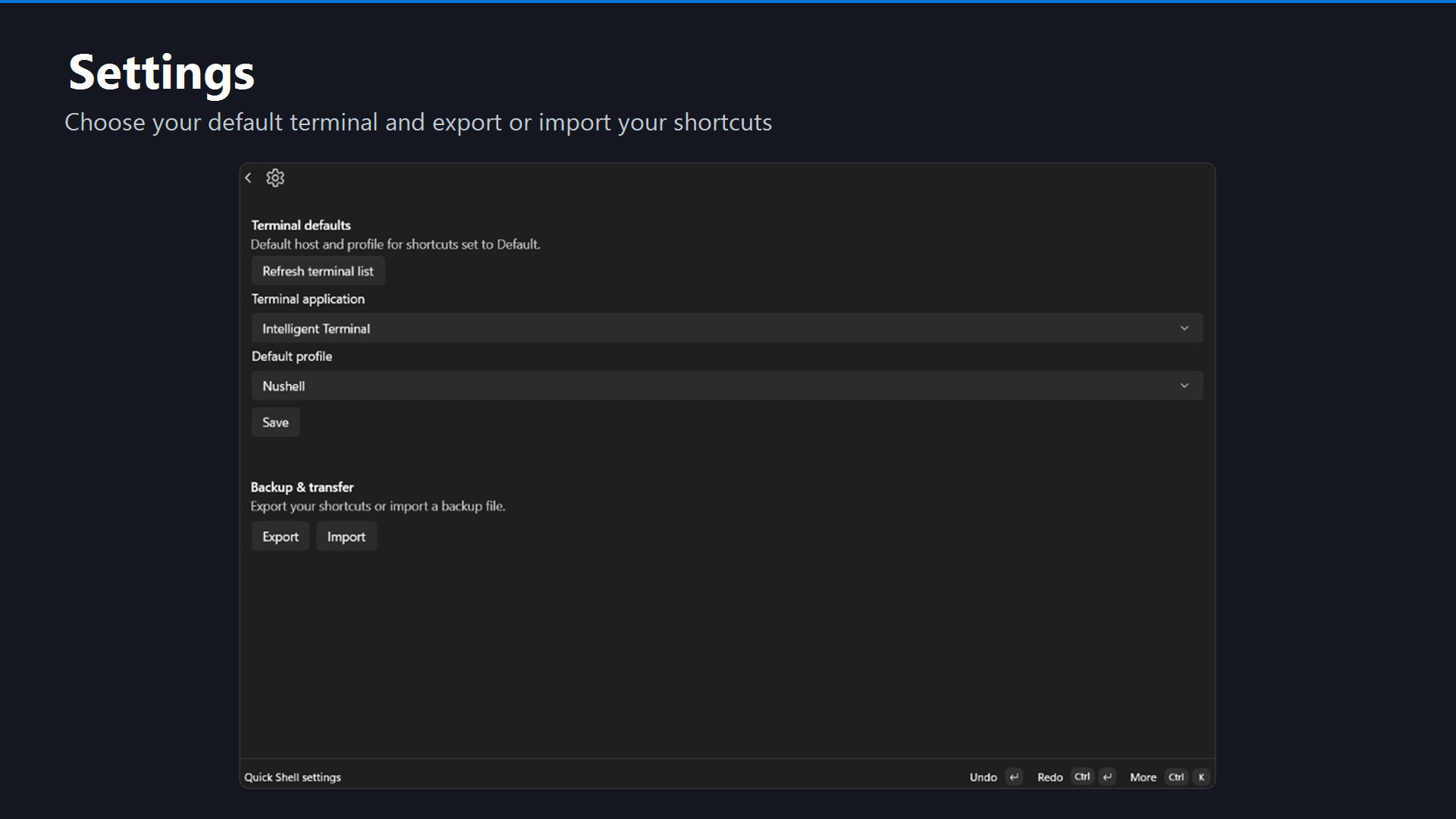
Export and import workspaces to back up your setup or move it to another PC in seconds.
Export guide →100% private
All shortcuts and settings stay on your PC. No cloud sync, no account, no telemetry.
Privacy policy →Command Palette
The primary PowerToys surface: browse, edit, and launch workspaces from Command Palette (Win+Alt+Space). Available from the Microsoft Store, WinGet, and GitHub.
Click to enlarge
PowerToys Run
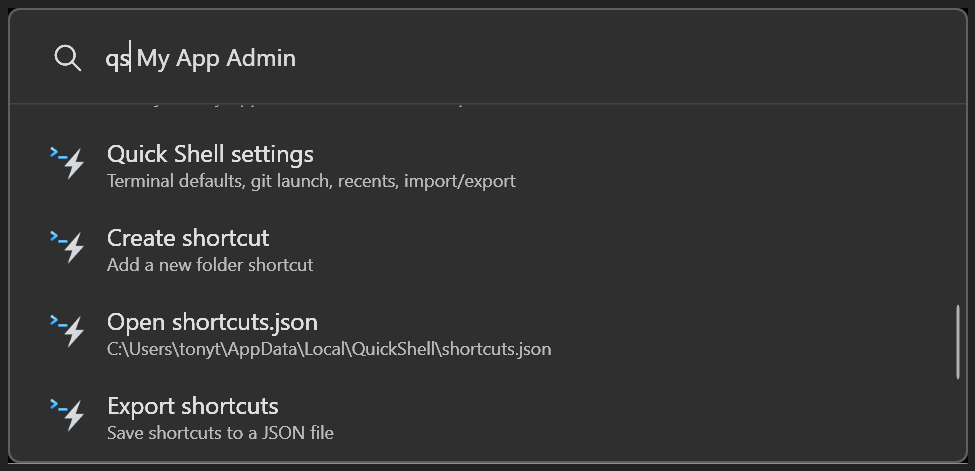
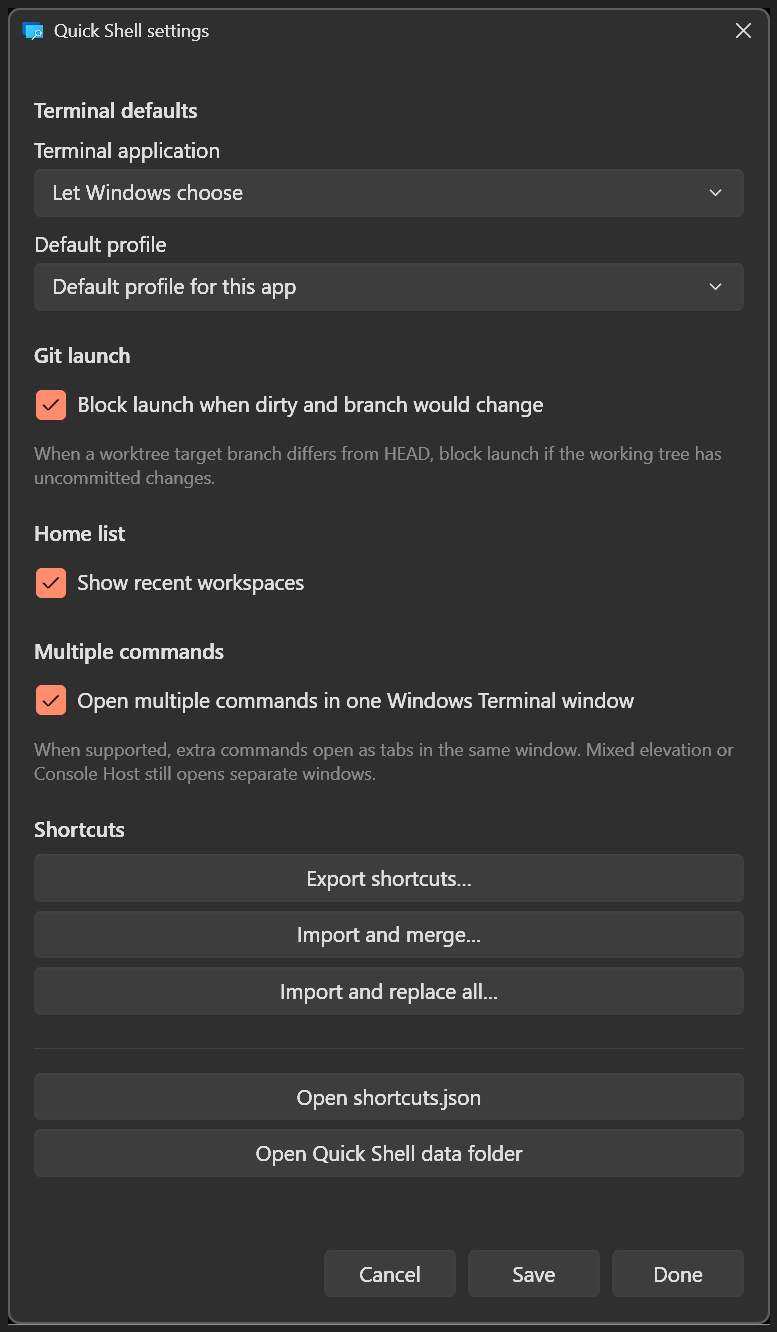
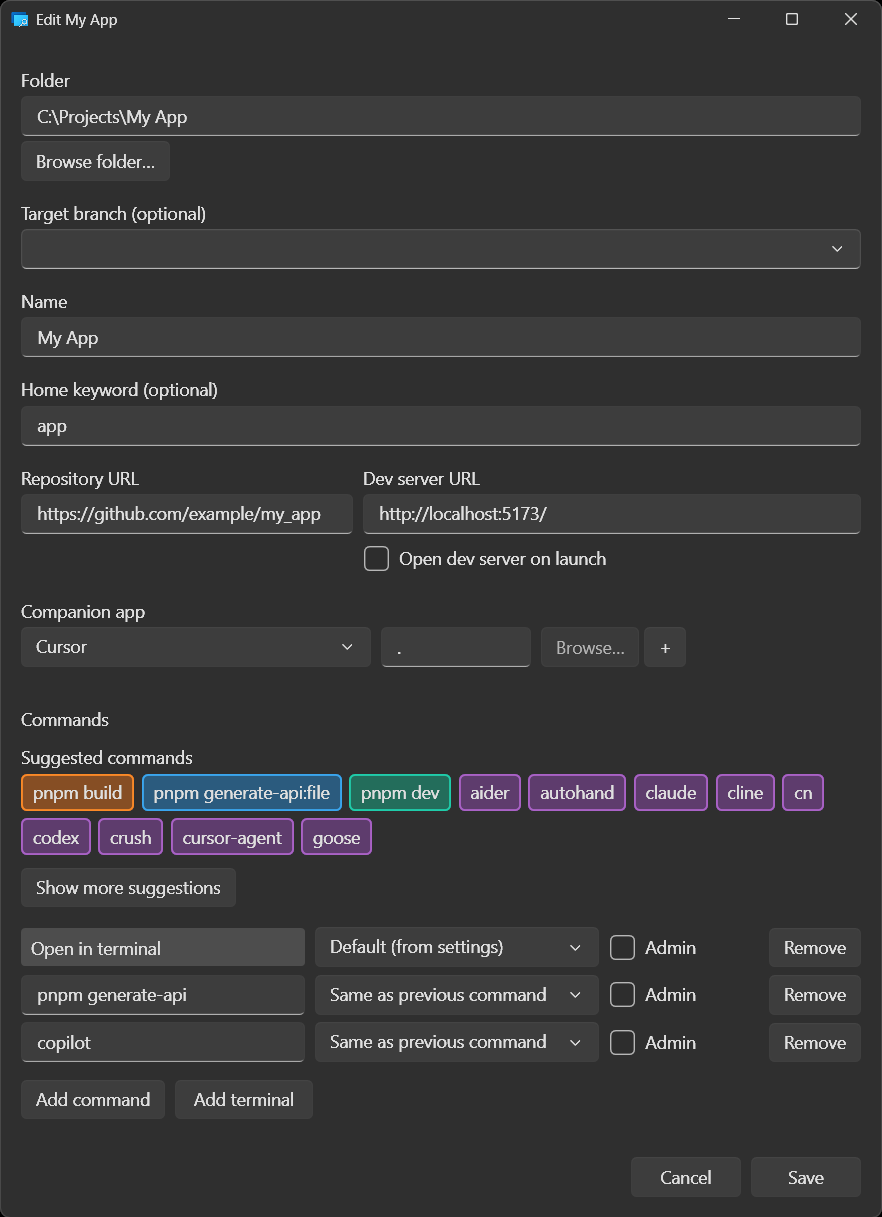
Same workspaces from Run (Alt+Space): type qs to search and launch. Bundled with the WinGet / GitHub EXE installers; native settings and editor included. Install options →
Click to enlarge
Raycast
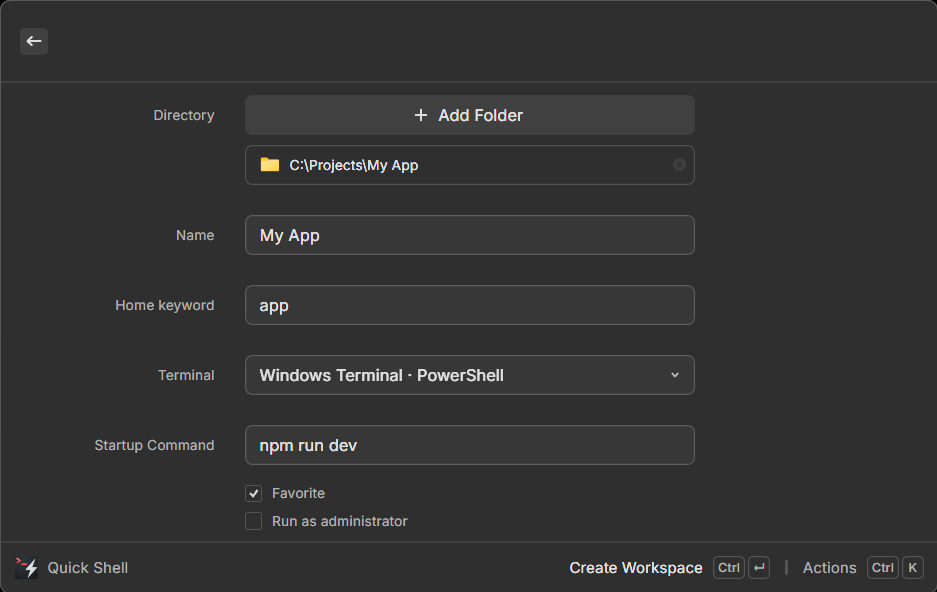
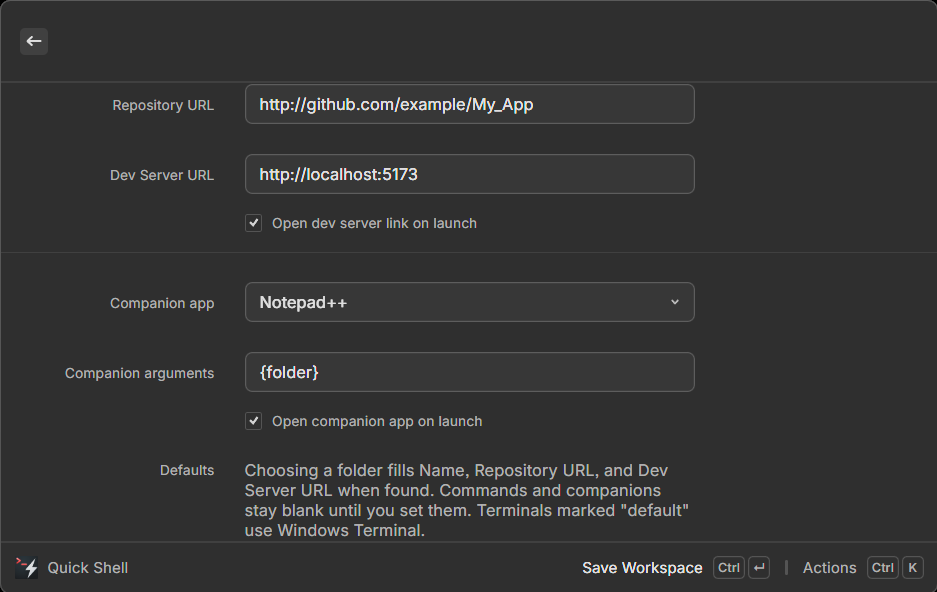
Native Raycast extension for Windows and macOS: open, create, and manage workspaces from Raycast root search. Install from the Raycast Store (not shipped via GitHub or WinGet). Import/export JSON to bridge with CmdPal and Run.
Click to enlarge
Requirements
Windows
Windows 10 version 2004 or later. Windows 11 recommended. Raycast also supports macOS.
Get going
Install now and create your first workspace in under two minutes.
Questions?
Getting started or email tonythethompson@hotmail.com.